
For Models: X1-R, X1, V1-R, V1
Creating A Profile
Before you can begin controlling your DynaMount devices you first need to set up a user profile. Here are the steps for creating your new profile.
- A single user profile can be used and shared across all of our apps.
-
-
-
- After installing the control app of your choice, launch it and select “Create New Profile”.
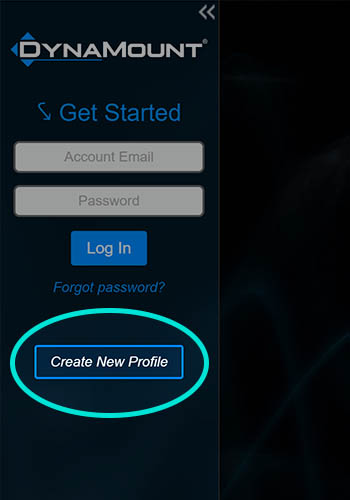
- Type in your email address, and a password of your choice.
- Click the “Create New Profile” button.
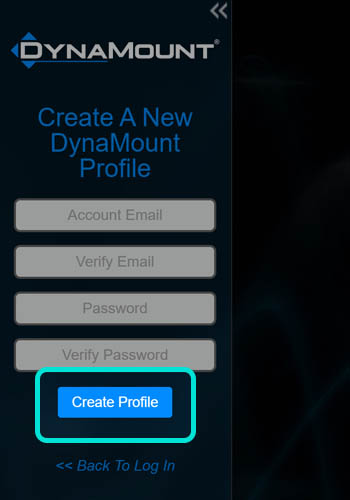
- After installing the control app of your choice, launch it and select “Create New Profile”.
- A verification email will immediately be sent to the email address you entered.
- Open the verification email and click the confirmation link.
- If you don’t see the email in your Inbox, check your Spam folder.
- After clicking the confirmation link, the success page will be displayed and your account is now activated.
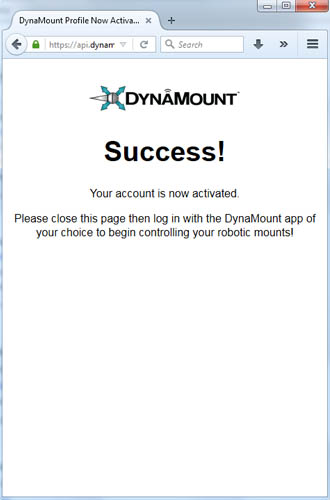
- Close this window and return to the DynaMount app.
- Log in to your new profile.
-
-